Aize Chat
Memory & Personalization
What Aize Chat remembers and how you control it
Memory & personalization
Aize Chat can remember useful things about you between conversations — your preferences, what you work on, your skills and interests — so you don't have to repeat yourself.
How it works
As you chat, the assistant automatically extracts short, factual memories and files them into a few well-defined categories:
- Preferences — how you like answers (tone, format, language, …)
- Work info — your role, projects, tools
- Personal info — things you've chosen to share
- Skills and Interests
- Context — ongoing situations relevant to future chats
These memories are used to personalize future responses. Memory extraction runs quietly in the background using a lightweight model — it never interrupts your conversation.
Viewing and managing memories
Open Memories from the left rail:
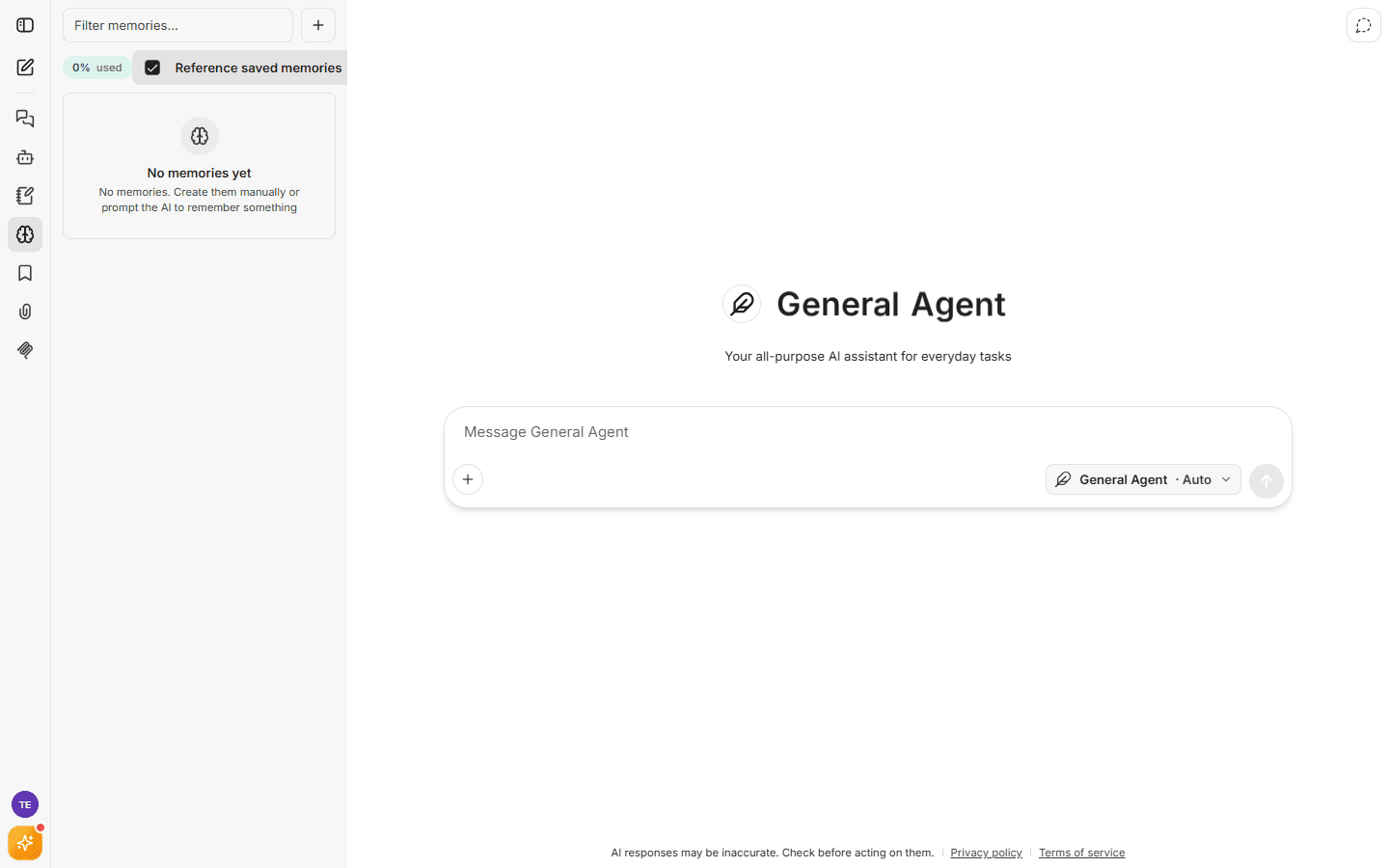
From the panel you can:
- See everything the assistant remembers about you — there is no hidden memory.
- Filter memories to find a specific one.
- Create a memory manually (tell it something once, explicitly).
- Delete any memory you don't want kept.
Turning personalization off
If you prefer conversations with no cross-chat memory:
- Settings → Personalization lets you switch memory off entirely.
- Use a temporary chat for a one-off conversation that is neither saved nor remembered.