Aize Chat
Aize Chat
AI chat with the best models, web search, your files, and your tools
Aize Chat — User Guide
Aize Chat is an AI assistant that brings today's best AI models, live web search, your files, and your everyday tools (Gmail, Google Drive, GitHub, Slack, and more) together in one chat.
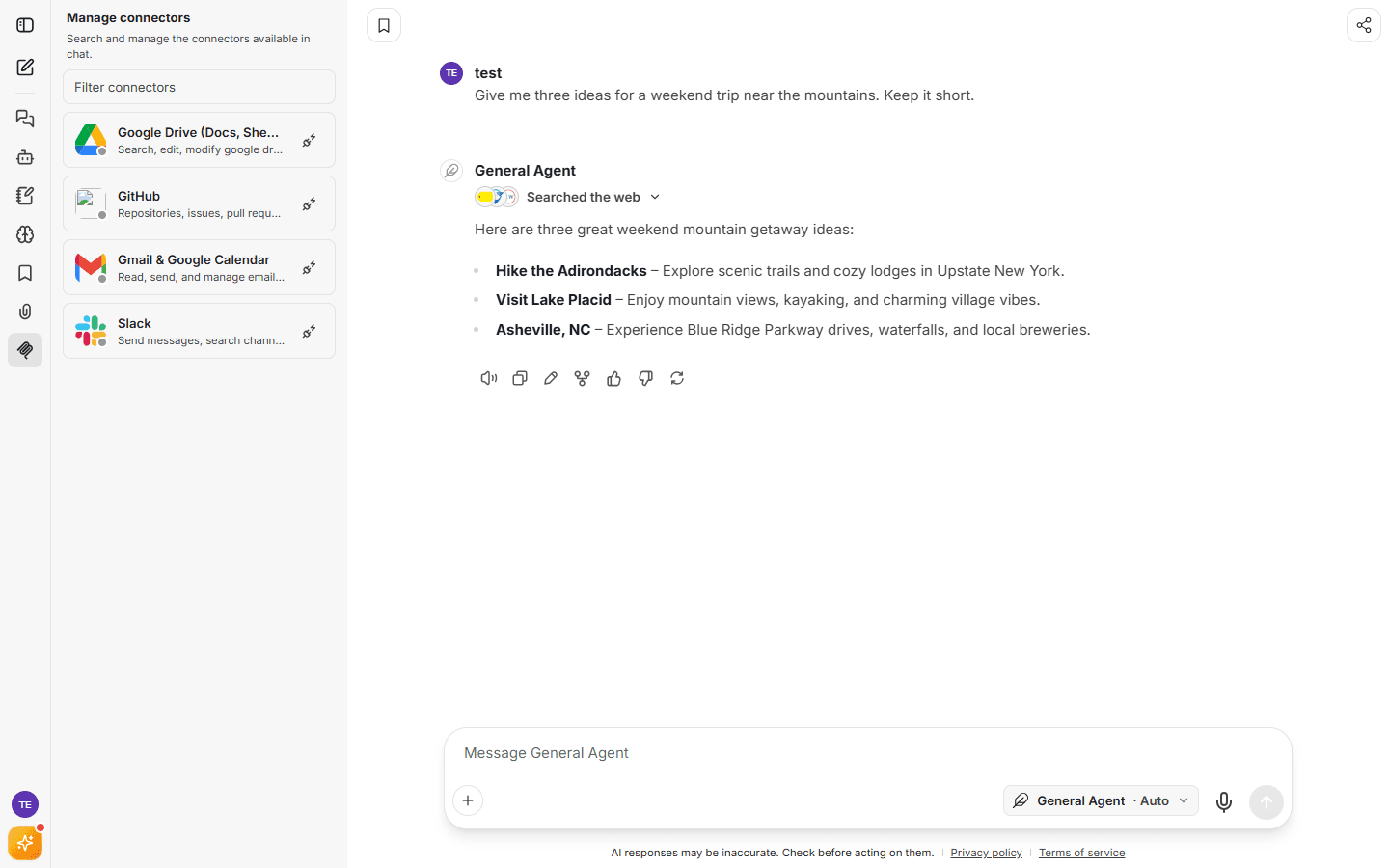
What you can do with Aize Chat
- Chat with leading AI models — one subscription, many models. Start free with Auto, which always picks a capable model for you.
- Search the live web — answers grounded in current sources, with citations.
- Work with your files — attach images, PDFs, and documents; ask questions across them with File Search.
- Connect your tools — let the assistant read and act on your Gmail, Google Drive, GitHub, Slack and more through secure connectors.
- Build your own agents — create assistants with custom instructions for repeatable work.
- Personalized memory — Aize Chat can remember your preferences and context between conversations (and you stay in control).
- Generate images — create and edit images right in the chat (on plans that include image models).
Guide contents
| Page | What's inside |
|---|---|
| Getting started | Creating an account, signing in, your first chat |
| Agents & models | General and Researcher agents, the Auto model, choosing models, building your own agent |
| Chat features | Attachments, web search, file search, bookmarks, sharing, message tools |
| Connectors | Connecting Gmail, Google Drive, GitHub, Slack and more |
| Memory & personalization | What Aize Chat remembers and how to manage it |
| Plans & billing | Free vs Pro vs Max, Pay-As-You-Go wallet, payments, teams |
| FAQ & troubleshooting | Common questions and quick fixes |
Quick links
- Open Aize Chat: chat.aize.dev
- Manage your account, invoices & API keys: Aize Platform
- Support: [email protected]